



£15.00 – £54.06Price range: £15.00 through £54.06
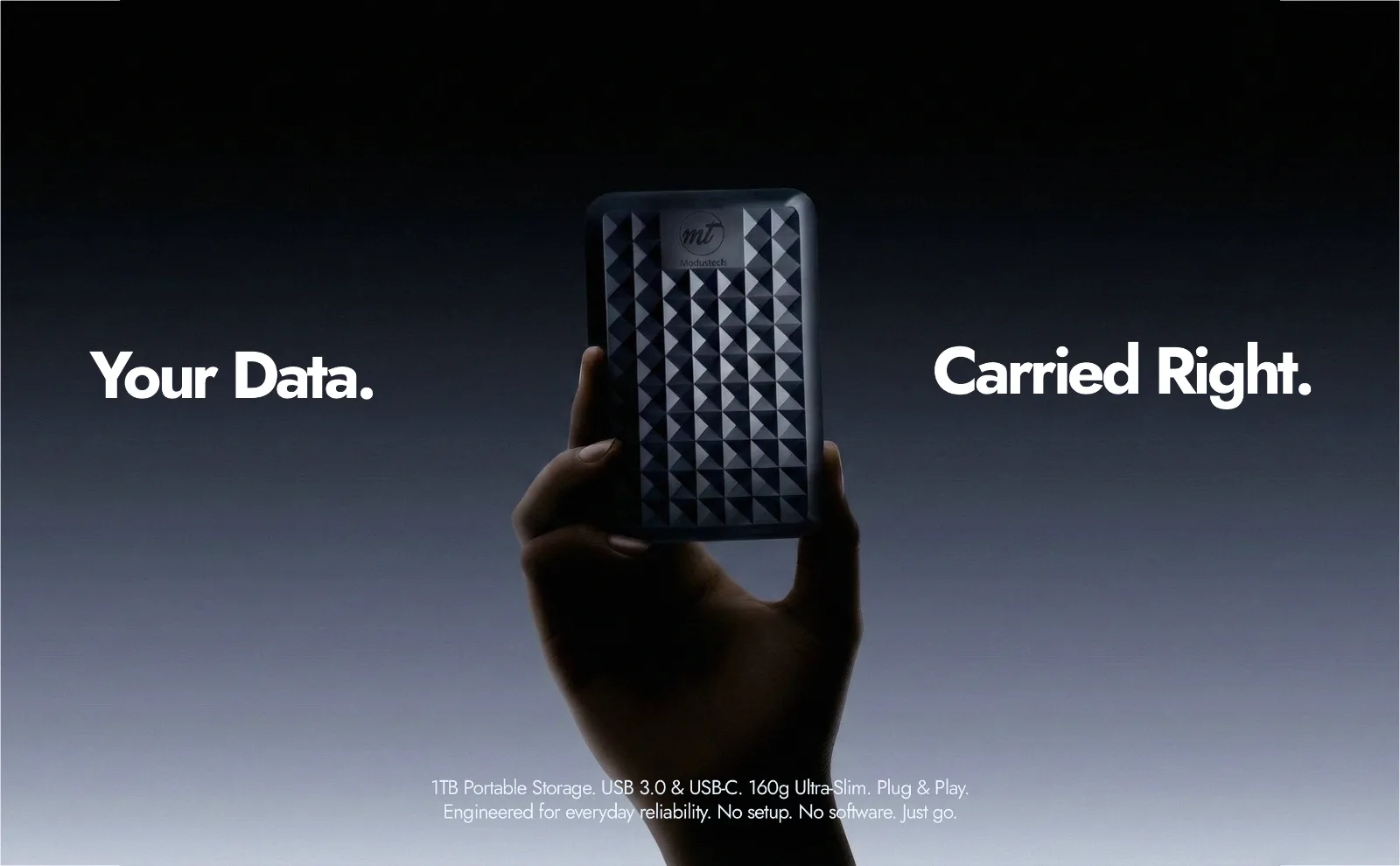

| Type | 2.5-inch portable hard drive (HDD) |
|---|---|
| Capacities | 160GB to 1TB |
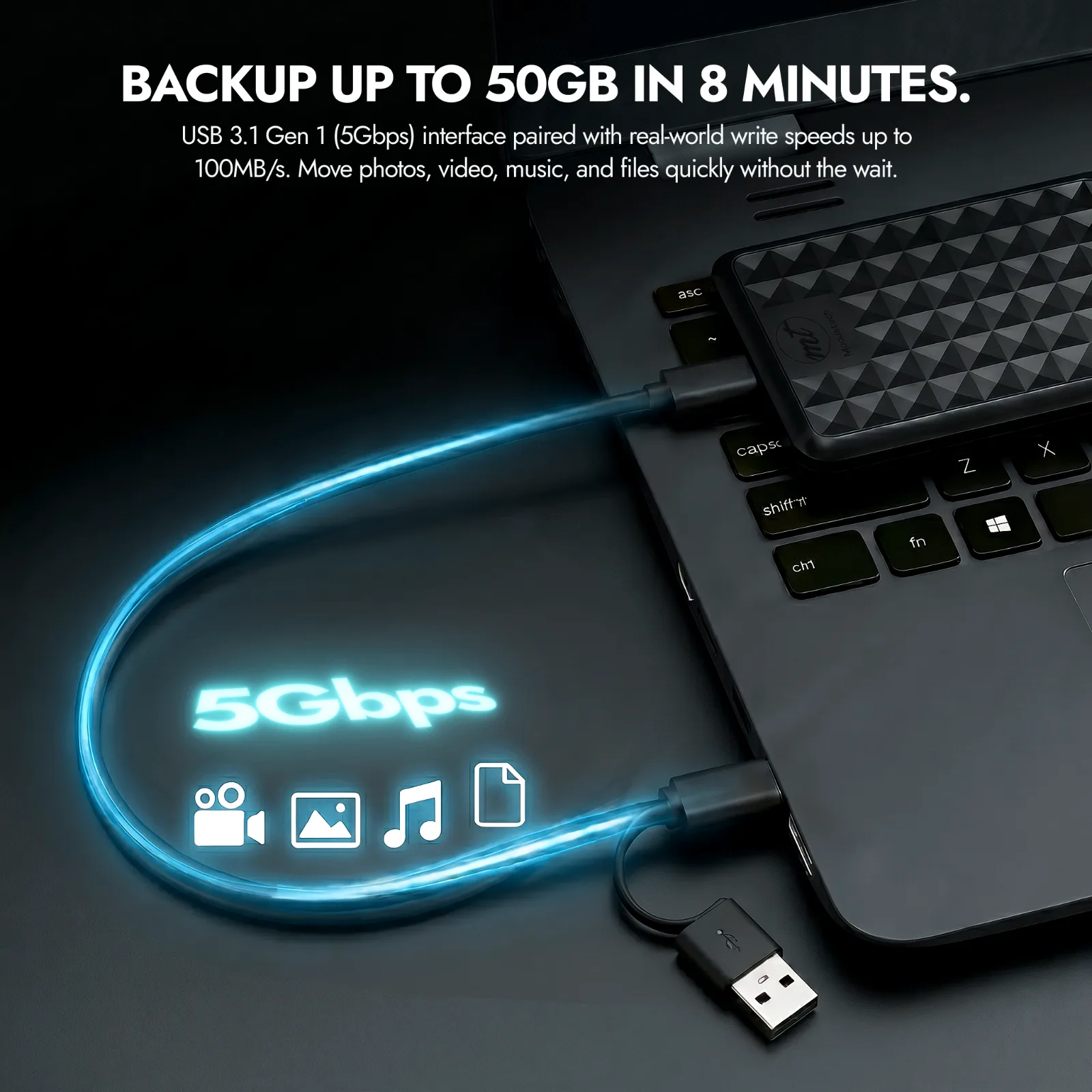
| Interface | USB 3.1 Gen 1 |
| Transfer speed | 80 to 160 MB/s |
| Speed | Up to 7200 RPM |
| Warranty | 24 months |
| Dimensions | 12.3 x 8 x 1.5 cm |
| Weight | 160g |
| Case | ABS |
| Formatting | exFAT |
| Controller | Realtek RTL9210B |
| UASP | Supported |
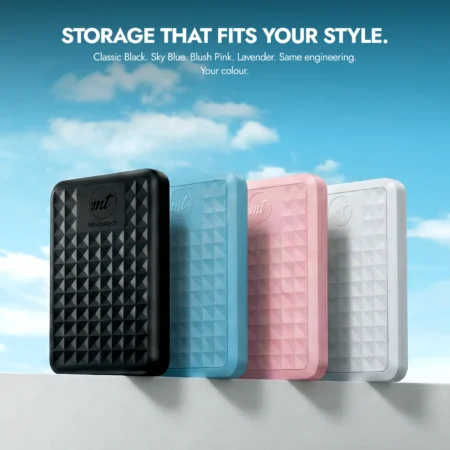 Modustech Facet Portable External Hard DriveYou are viewing Modustech Facet Portable External Hard DriveYou are viewing | 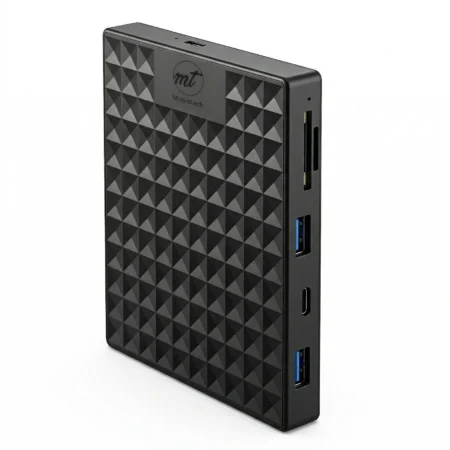 Modustech Nexus Docking Station Modustech Nexus Docking Station | 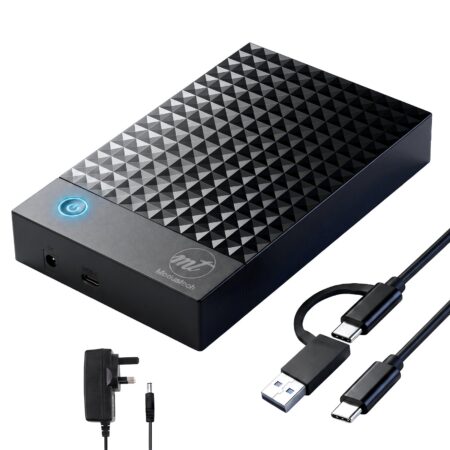 Modustech Vault Facet Desktop External Hard Drive Modustech Vault Facet Desktop External Hard Drive | 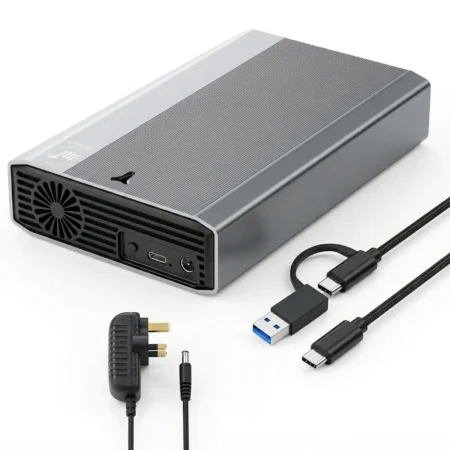 Modustech Vault Alloy Desktop External Hard Drive Modustech Vault Alloy Desktop External Hard Drive | |
|---|---|---|---|---|
| Price | £15.00 – £54.06Price range: £15.00 through £54.06 | £29.99 – £59.99Price range: £29.99 through £59.99 | £39.91 – £259.00Price range: £39.91 through £259.00 | £75.93 – £289.91Price range: £75.93 through £289.91 |
| Capacities | 160GB to 1TB | 500GB and 1TB | 1TB up to 20TB | 3TB up to 20TB |
| Interface | USB 3.1 Gen 1 | USB 3.1 Gen 1 (5Gbps) to the host | USB 3.1 Gen 1 (5Gbps), USB-C | USB 3.1 Gen 1 (5Gbps), USB-C |
| Warranty | 24 months | 24 months | 24 months | 24 months |
| View | View | View |
The Facet is a portable hard drive (HDD) for storing and backing up photos, videos, music, documents and game libraries. It gives you a large amount of storage at a lower cost per gigabyte than an SSD, so it suits everyday backups, media collections and console game storage rather than running software directly from the drive.
The Facet uses a spinning disc, which is what keeps higher capacities affordable. An SSD has no moving parts and can access data more quickly, but it costs more per gigabyte and usually comes in smaller capacities. For plenty of reliable storage for backups, media and console games, the Facet covers it. If you need the quickest possible access for editing large video files straight off the drive, an SSD may suit you better.
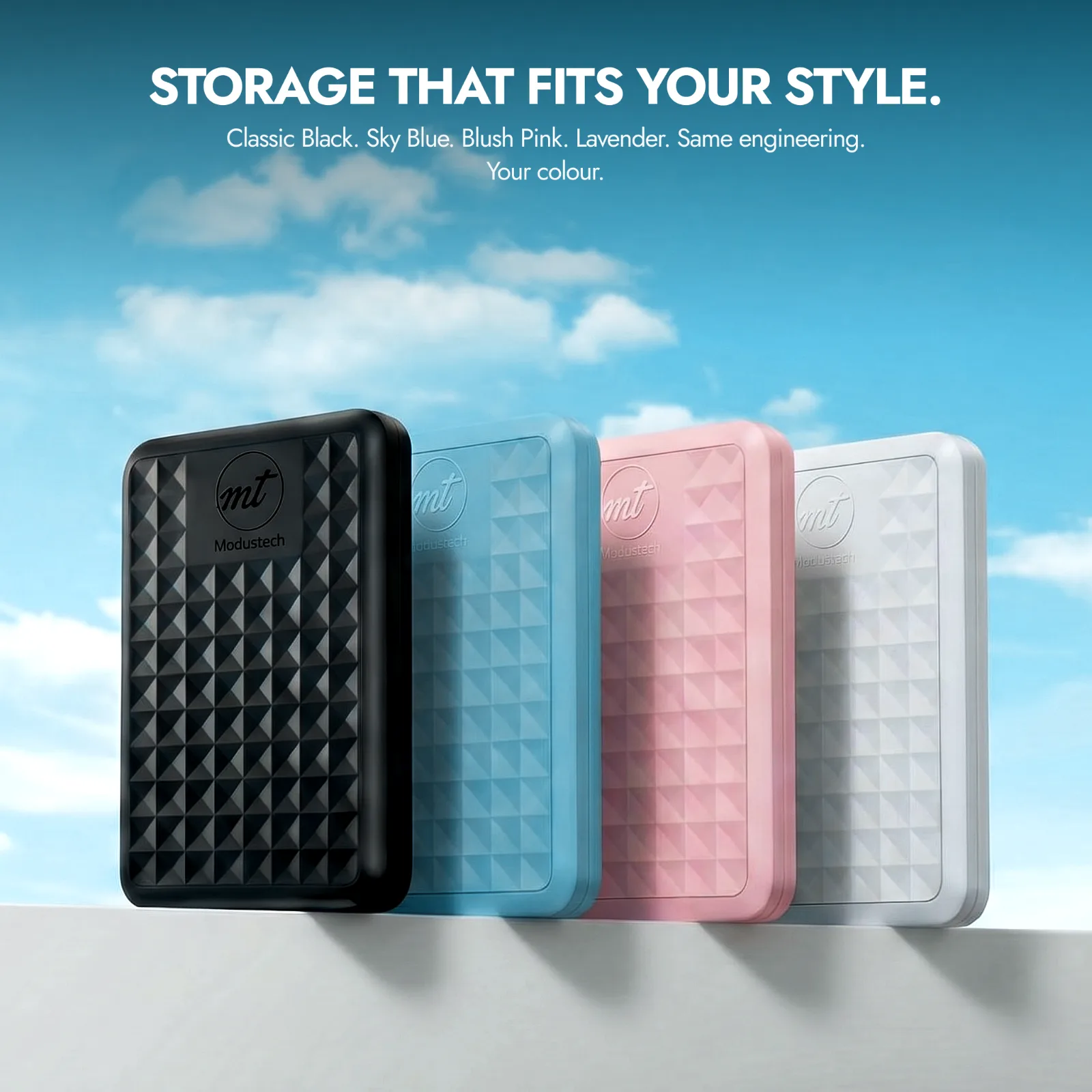
The Facet is available in capacities from 160GB up to 1TB. As a rough guide: smaller capacities suit documents and phone backups, mid sizes suit photo and music libraries, and 1TB suits large video collections or a console game library. If you are unsure, going one size up gives you room to grow.
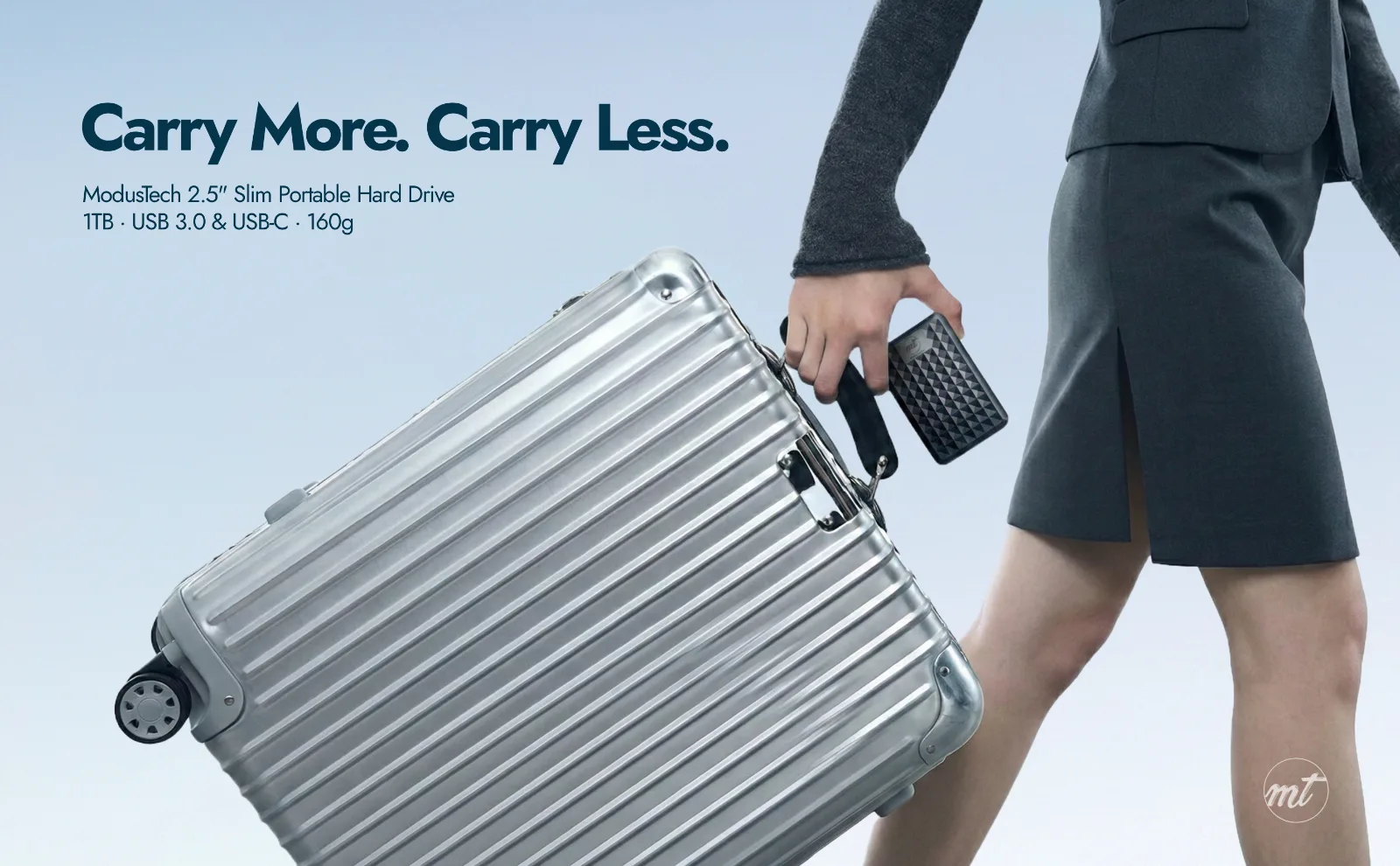
The Facet is a 2.5-inch portable drive designed to slip into a bag or pocket, and it runs from the single included cable with no separate power adapter to carry.
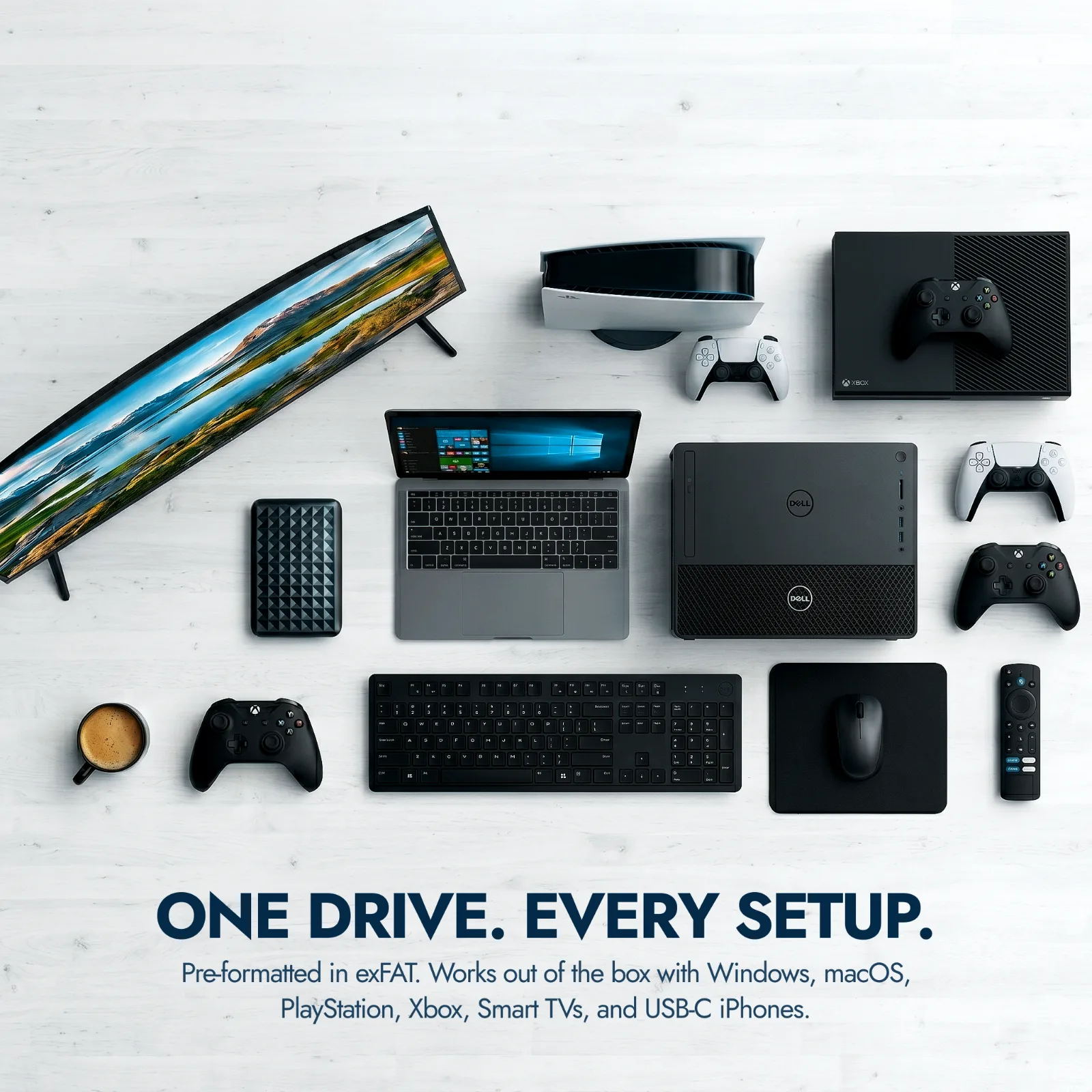
The Facet works with Windows PCs, Mac, laptops, PlayStation and Xbox consoles, many smart TVs, and phones or tablets with a USB-C port. It connects using the included USB-C to USB-C cable. Some older devices may need a different cable or adapter, covered below.
Yes, with one thing to know. On PS5 and Xbox Series X/S you can store PS5 and Series X/S games on the Facet and move them back to internal storage to play, but these newest-generation games do not run directly from an external HDD. PS4 and Xbox One games do play directly from the Facet. It also works for media storage and backups on all of these consoles
Yes. Phones with a USB-C port connect directly using the included USB-C to USB-C cable. Older phones with a micro-USB or USB-A port need a separate OTG adapter, which is not included. If your phone only shows a charging message, open your USB settings and switch the connection to File Transfer (also called MTP) so the phone can read the drive.
The Facet comes formatted in exFAT, which works across Windows, Mac and most consoles out of the box. If your device asks you to format the drive, or if you want a format optimised for one system only, you can reformat it in a few minutes using the built-in tools on your computer or console. Reformatting erases the drive, so back up anything on it first.
No software or installation is needed. Plug the Facet into your device using the included cable and it appears as a storage drive, usually within a few seconds. You can then drag files across to copy them, or point your backup tool at the drive.
Each Facet includes the drive, a USB-C to USB-C cable, a product insert card and a product manual. It is powered through that single cable, so there is no separate power supply to plug in. If your computer only has USB-A ports, you will need a USB-C to USB-A cable or adapter, which is widely available.
First, try a different cable and a different USB port, and plug directly into the device rather than through a hub. On a phone, check the USB connection is set to File Transfer (MTP), not charging only. On a computer, check whether the drive appears in File Explorer or Disk Management on Windows, or Disk Utility on Mac. If it still is not recognised, back up any data you can reach and contact our support team, as this can point to a fault covered by the warranty.
Always eject the drive safely before you unplug it, using Safely Remove Hardware on Windows or Eject on Mac, and never unplug it mid-transfer. Keep a second copy of anything important, since no single drive should be your only copy. If you see file errors during normal use, stop copying, save what you can and contact support.
Every Facet is covered by a 24-month warranty. If your drive develops a fault within that period, contact our support team with your order details and we will help you resolve it. You can register your product at modustechs.com/register-your-product.
Reviews
There are no reviews yet.